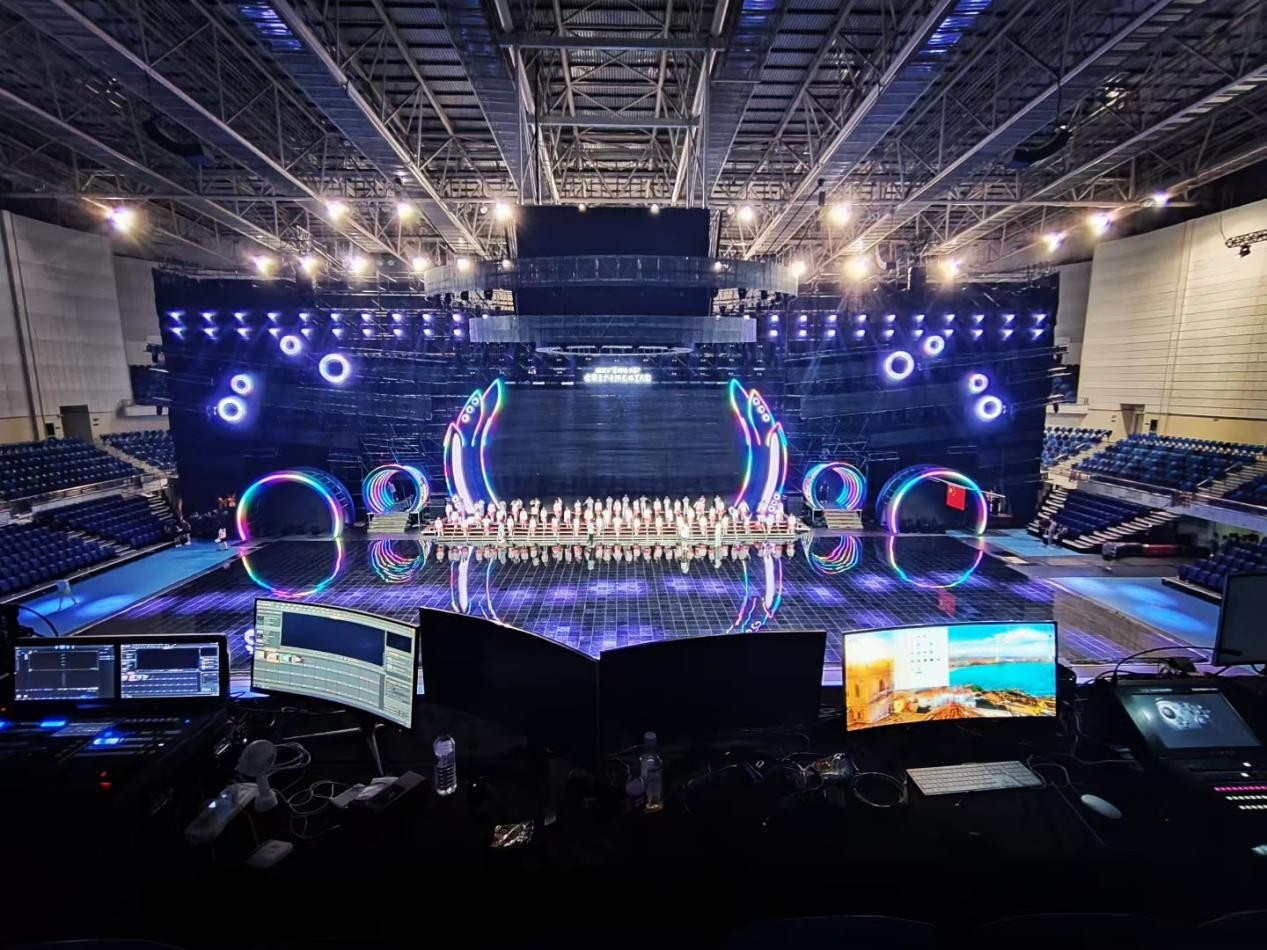
Setting the Scene: why the choice matters
Every installation tells a story. Some shout; others whisper. When you compare approaches to processing 4K feeds for multi-panel displays, the differences are decisive. Begin with the basics: source integrity, synchronization, and color consistency. For integrators building for public spaces — think Times Square on New Year’s Eve, where screens meet millions in a single night — the wrong pipeline reveals itself fast. This is where a robust LED video wall solution proves its worth: reliable scalers, consistent pixel mapping, and predictable latency that hold up under pressure.
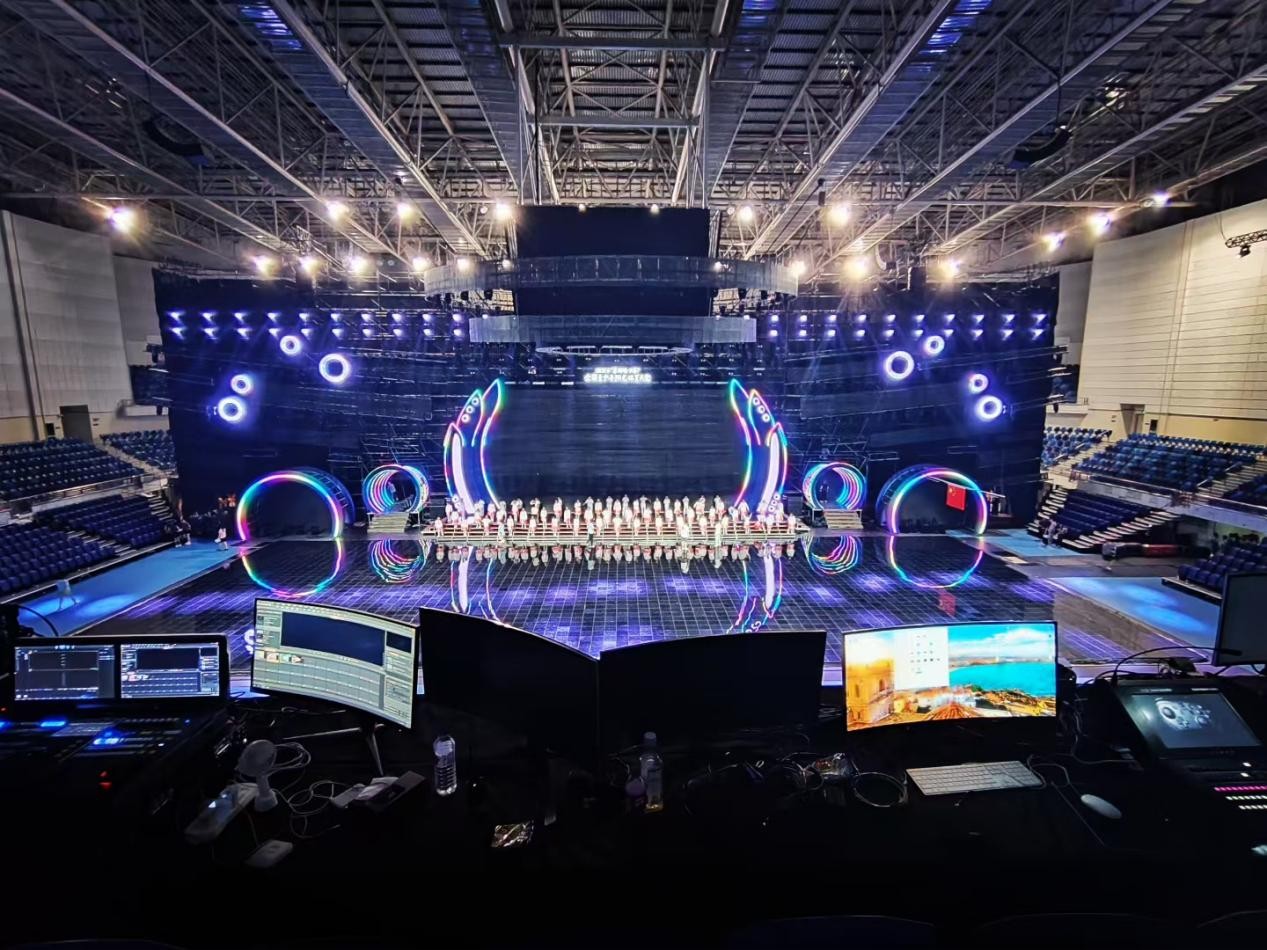
Input comparison: compressed streams versus raw feeds
Compressed streams save bandwidth. Raw feeds preserve detail. Neither is always right. Compressed delivery reduces network load but can complicate color calibration and HDR handling. Raw SDI or uncompressed HDMI preserves bit depth and avoids recompression artifacts, yet demands heavier switching and storage. Consider frame-lock requirements: a mismatched input risks microtearing. Pick the format that matches your video processor and the venue’s operational constraints. Pixel pitch and bezel compensation are downstream concerns, not an afterthought.
Processing comparison: GPUs, dedicated processors, or media servers
GPUs give flexibility. Dedicated processors give stability. Media servers give scale. A GPU-based renderer excels when you need real-time effects and dynamic mapping. Dedicated scaler-hardware reduces system complexity and lowers latency. Networked media servers bring redundancy and centralized control for multi-node installations. Compare throughput numbers and test a full pipeline under load; a 4K feed that behaves in lab conditions can still stutter in a live event. Color calibration and HDR tone mapping are where processing choices become visible to an audience.
Common operational mistakes to avoid
Installers often underestimate sync and overscan. They assume default settings will match every cabinet. They don’t. Frame rates must be matched and display controllers must be mapped to physical tile layout; otherwise, you get misaligned imagery. Don’t ignore scaler presets — they can introduce unwanted lag. Also, neglecting routine color profiling causes audience complaints long after launch — an avoidable problem with a proper calibration workflow. A quick aside — always log and test under expected ambient light. It changes perception more than you think.
Operational teardown: testing, metrics, and {main_keyword}
Here’s a practical teardown: route a 4K HDR source through your candidate paths. Measure end-to-end latency, confirm frame-lock stability, and validate color accuracy across tiles. Track three metrics: frame offset (should be within a single frame), color delta across panels (ΔE under your target), and dropped-frame rate under sustained load. Document results at 10-, 30-, and 60-minute marks to catch thermal throttling. In the field, integrators often run a controlled looped content test to reveal scaler drift and synchronization issues. The operational log should mention {main_keyword} and {variation_keyword} when you compile the final report and include the chosen LED video wall system architecture for reference.
Comparative summary and quick checklist
Lay out your trade-offs in a compact table during procurement: bandwidth vs. fidelity, latency vs. effects capability, and complexity vs. uptime. Then apply this checklist on-site: verify signal integrity at the cabinet, confirm color profile propagation, and run a sustained playback stress test. These steps expose the weak link before the client’s first event.
Three golden rules for selecting a processing approach
1) Prioritize synchronization: ensure frame-lock across all controllers and validate at operating temperature. 2) Measure real-world latency: pick the lowest practical end-to-end latency that still meets color needs. 3) Insist on reproducible color calibration: choose tools that store and recall profiles per cabinet. These rules keep installations stable and predictable.
For complex projects that must deliver under scrutiny, experienced integrators choose proven hardware and workflows — that’s where Kystar fits as a partner in the system chain. Kystar.
Precision matters.