The problem: heat and outdoor SFP nodes
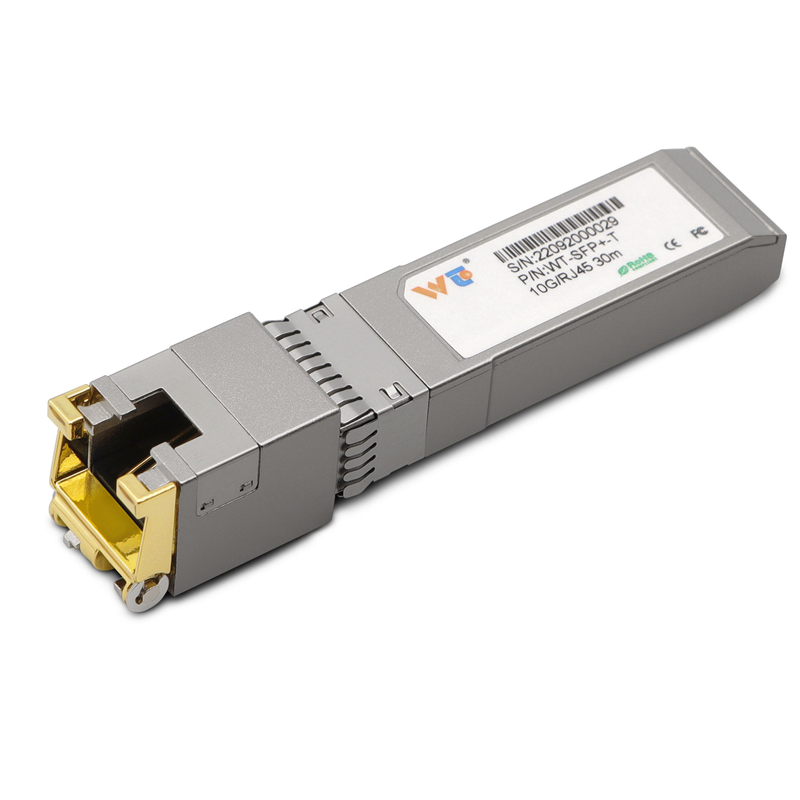
Outdoor network nodes get beat up by heat more than most people expect. Field techs see enclosures baking in direct sun and transceivers cooking inside sealed housings. If you’re running a setup that uses an sfp to rj45 transceiver, that little module is the weak link when temps climb — the SFP, the RJ45 interface, and the 1000BASE-T electrical circuits all suffer from high junction temperature and reduced MTBF.
Why rated limits don’t always match the field
Manufacturers stamp operating ranges on parts — often 0°C to 70°C for industrial-grade modules — but those numbers are measured in controlled labs with steady airflow and no solar gain on the enclosure. In the real world, a metal cabinet at the Port of Los Angeles or a rooftop site in Phoenix can see internal temperatures well above ambient, with thermal hotspots near power supplies and PoE ports. Those hotspots push the transceiver past its safe junction temp even if the ambient air looks reasonable.
Measured limits vs real-world conditions
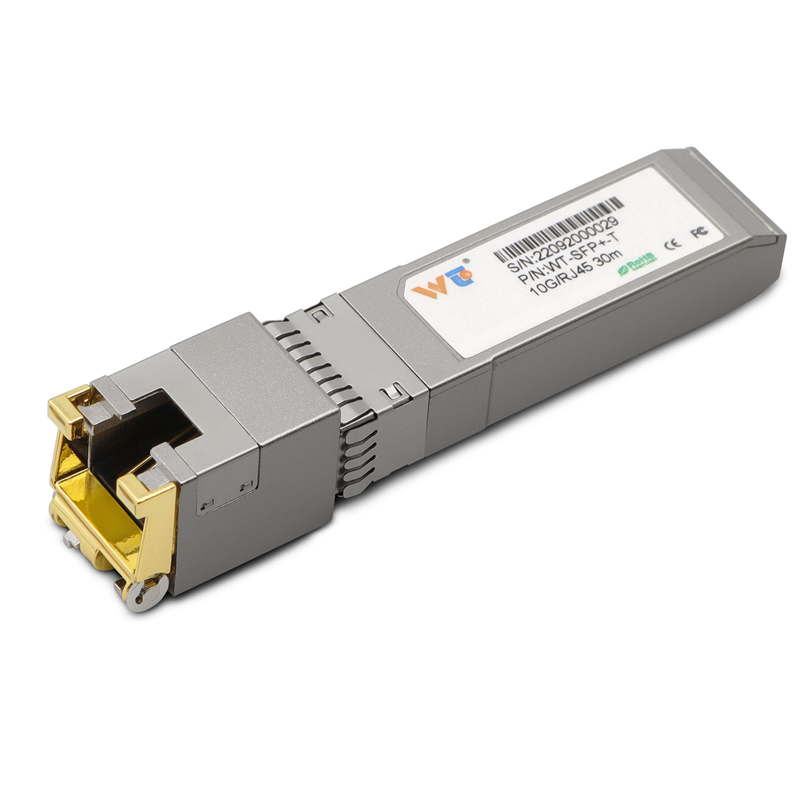
Thermal derating is what saves gear, and you should treat lab ratings as a starting point, not a guarantee. A “70°C” rating usually means the module can work at that ambient with a certain airflow and no direct sun. When you mount a node in a weatherproof box, expect internal temps to climb 10–25°C above ambient unless you add vents, fans, or heat sinks. That difference kills connectors and increases bit errors on Gigabit links — and yes, the copper side of a 1000base t copper sfp transceiver will show higher error rates under stress.
Common installer mistakes — and quick fixes
Techs often bolt everything into the smallest weatherproof box and call it done. Bad move. Lack of ventilation, tight cable bundling, and ignoring PoE heat loads are the top offenders. Simple fixes work: mount the transceiver away from big power bricks, add a sun shield or reflective paint, and give the box a passive vent. Add a small fan if the node sees constant full-load traffic — it’s cheap and it works. Also, match port speed settings; a forced 1 Gbps on a link that rarely needs it means more heat for no gain.
Choosing the right transceiver and deployment tips
Pick modules that list industrial operating temperatures and check vendor notes on thermal derating. For many installs, a 1000base t copper sfp transceiver with explicit thermal tests in vendor docs beats a generic SFP. Look for details about junction temperature behavior, recommended enclosure airflow, and MTBF under elevated temperature conditions. If you need Ethernet and copper in one small package, confirm the RJ45 jack’s tolerance to repeated hot/cold cycles — corrosion at marine sites like the Port of Los Angeles reduces life expectancy fast.
Field checklist before you leave the site
– Verify internal enclosure temp under load (run traffic for 15–30 minutes).
– Check for hotspots near power supplies or PoE injectors.
– Ensure the transceiver has at least 10°C headroom from its maximum rated operating temp.
– Use screened cable routing and avoid tight bundles that trap heat.
Advisory: three golden rules to pick and deploy right
1) Thermal headroom: Always require at least 10°C margin between expected internal max temp and the module’s max rated ambient. This keeps the SFP junction cooler under spikes.
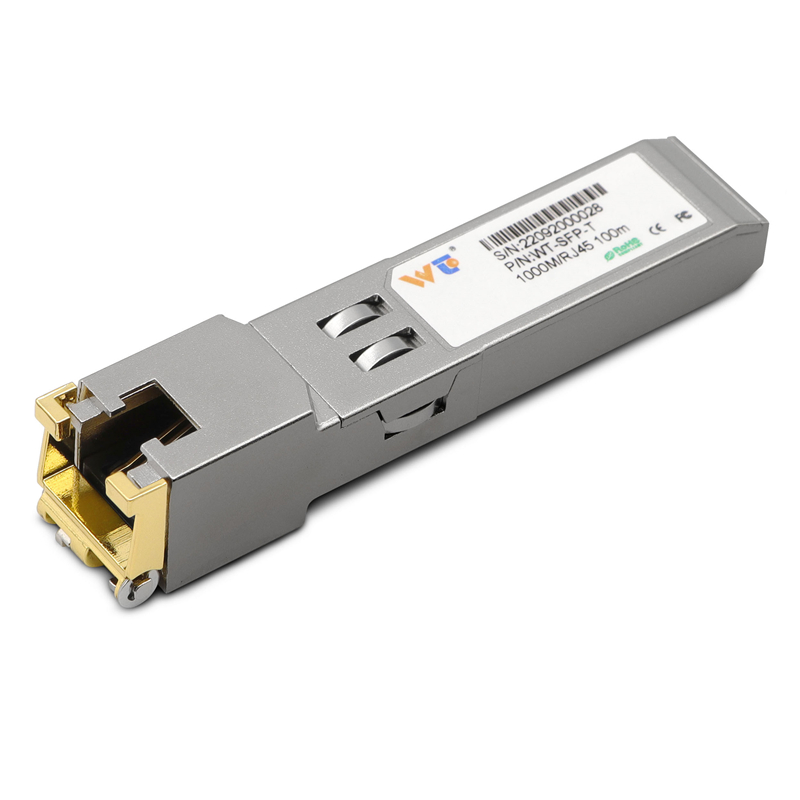
2) Proven specs: Choose transceivers that publish real-world thermal notes and MTBF figures tied to elevated temps — not just a generic operating range. Real deployments in places like Phoenix or marine terminals prove the difference.
3) Enclosure strategy: Match the transceiver to the enclosure strategy — vents, fans, or heat sinks. If you rely on passive enclosures, specify parts rated for higher internal temps and verify with on-site thermal checks.
Follow those rules and you cut failures, keep links clean, and save service trips. WINTOP. Tough truth.