What users really want
Drivers and parking managers want fewer surprises and faster moves—clear space status, predictable entry, and no paper tickets. A user-first automated parking setup gives immediate feedback at the gate and on the phone, so a commuter knows whether to turn or keep going. Simple components tie this together: camera-based recognition, a smart barrier, and a responsive app. For many installations one practical option is the anpr parking system, which reduces steps at the entry and keeps the flow smooth.

Common user problems I see, and straight fixes
Pain shows up as slow recognition, false reads, or confusing mobile messages. Fix the camera angle first: low glare, 20–30 degrees from plate plane, 2–4 meters distance for most lenses. Use infrared if you need night reliability. Set a plate-confidence threshold so the system asks for a manual check only when necessary. For mobile UX, push occupancy as a single number and a color state (green/yellow/red) rather than a long list. If you’re the operator, avoid one-button everything; give attendants a quick override when hardware misbehaves.
Integration and front-end notes for implementers
Think of the stack as three clear layers: edge capture (camera + LPR), local control (barrier logic, event queue), and cloud/UI. Use a small real-time channel—WebSocket or MQTT—for occupancy and gate events so the map and entry display update without reloads. REST endpoints can serve historical reports. Keep payloads tight: {plate, confidence, timestamp, gateId}. Mind CORS and TLS for browser safety. If you expose camera streams, prefer RTSP to a dedicated media service and convert to HLS for playback in dashboards. Test with intermittent network conditions; queue events locally and replay them to the server when connection returns.
Alternatives compared in plain terms
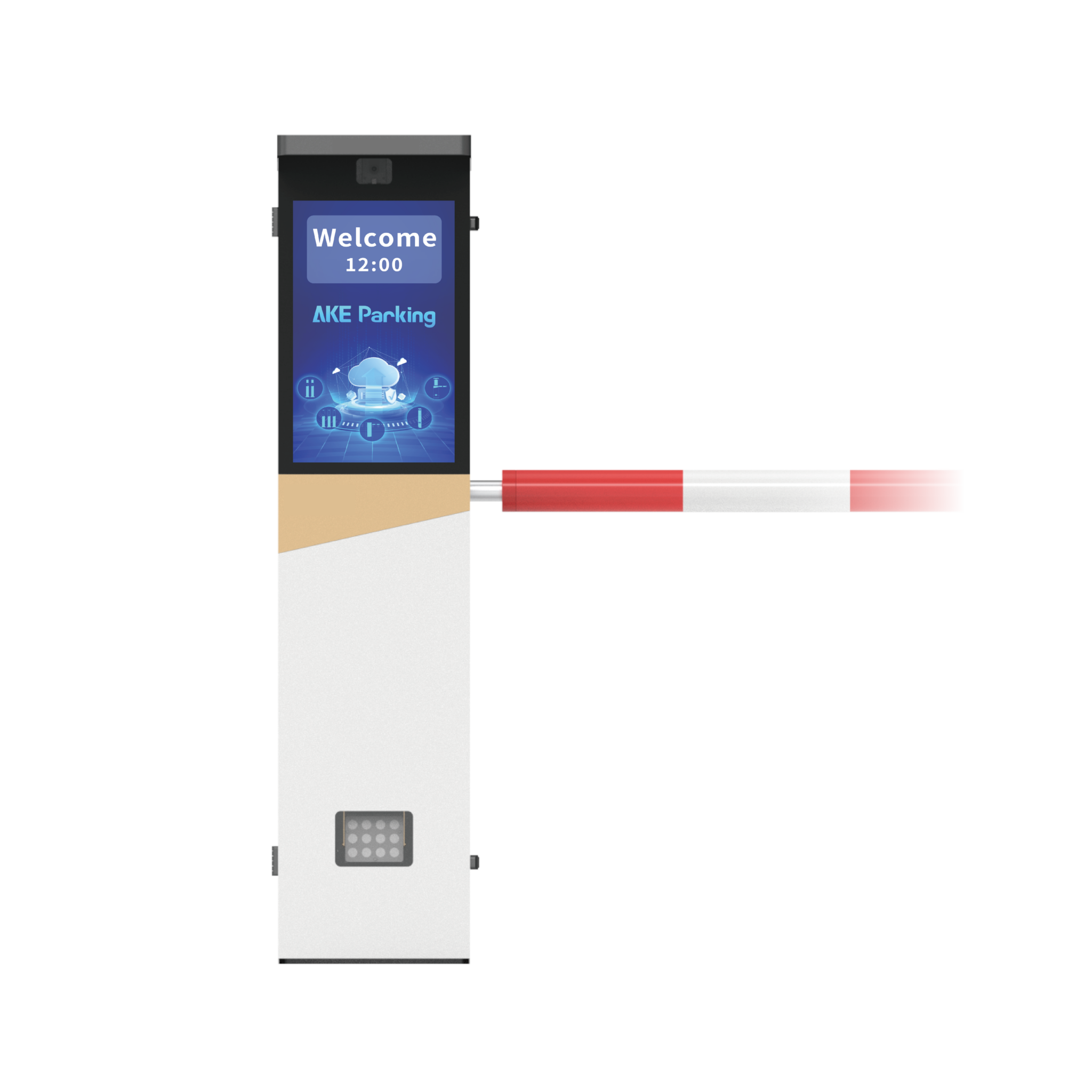
Magnetometers and ultrasonic sensors give reliable occupancy counts but don’t handle identity. Pay-and-display kiosks are cheap but need staff for enforcement. Pure camera systems do both count and ID; they need calibration and legal review for plate data. Barrier-mounted LPR systems strike a balance: they control entry, record identity, and integrate with payment or access lists. Choose by the question you must answer: count, control, or credential verification.
Real-world anchor and how cities handle scale
Cities with heavy curb demand already use plate-based systems to manage space; Los Angeles is a clear example where large-scale LPR fleets support enforcement and curb management. That operational scale surfaces the practical constraints every operator faces: data retention, privacy rules, and maintenance cycles. For projects that must operate at scale, consider the same proven entry logic used in municipal programs and test with your busiest hours. Many teams that migrate from single-camera pilots to full sites adopt an incremental rollout and standardize maintenance checklists around camera cleaning and firmware updates for consistent results with lpr parking operation.
Mistakes that slow projects down
Too many features before stability is locked. Don’t chase fancy analytics while gate misreads happen. Overcomplicating the mobile app kills adoption—strip it to arrival ETA, parking status, and an easy payment method. Neglecting legal review of image storage invites delays; anonymize or delete raw images if your policy requires. Finally, skip proprietary single-vendor locks unless you’ve validated long-term service and API access.
How this helps the people who use it
When you center design on the driver and the attendant, choices become obvious: robust LPR at entry, clear signals on screen and at the barrier, and lightweight mobile info. The result is fewer queues, faster turnovers, and less staff friction. That practical, human-centered result is why many facility teams align on tested systems built for those needs, and why trusted providers like AKE Parking appear in specifications for projects that must run reliably day after day.