Why comparison matters
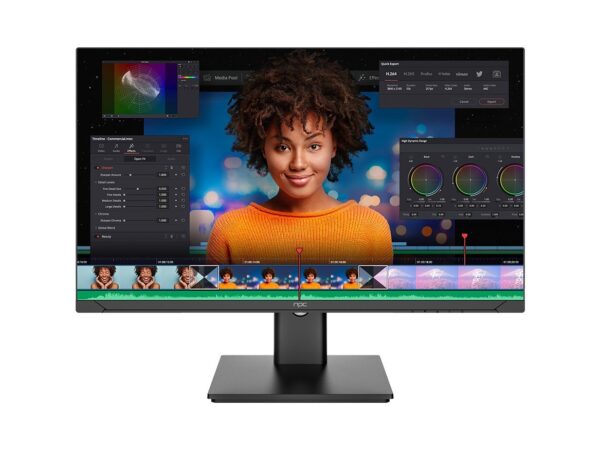
Choosing a smart TV is not only about screen size or HDR support; the operating system determines daily use and long-term value. A clear comparison reveals where platforms differ on updates, app breadth, and fault tolerance. If you are pairing a display with a workstation or considering bundled hardware, it helps to know the market: I’ve tracked peripheral and display bundles alongside all in one computer deals while testing interoperability, and that perspective sharpens what matters for a TV OS.
Five practical criteria to judge quality and reliability
Measure an OS by these concrete points: update cadence and policy; app ecosystem completeness; responsiveness under load; recovery and fallback options; and privacy controls. Prefer vendors that publish firmware schedules and offer signed updates. Check whether popular streaming apps receive regular updates on the platform you choose. Test responsiveness by running multiple apps and a high-bitrate stream simultaneously; lag or forced app restarts reveal real limits. Finally, verify a clear recovery procedure—factory reset from boot, USB recovery, or service portals—so small faults don’t become bricks.
Comparative insight: how main platforms stack up
Google TV / Android TV: broad app support and developer tools, but hardware variability means performance ranges widely. WebOS (LG): smooth animation and tight hardware integration; app selection is strong for mainstream services. Tizen (Samsung): consistent updates on flagship models and strong media playback, though third-party app parity can lag. Roku: lean, very stable for streaming, limited in advanced smart-home integrations. Fire TV: affordable and app-rich, with deeper Amazon service ties. Compare by matching your priority—updates and long-term patches versus immediate app selection versus low-latency responsiveness.
Common mistakes buyers make
Buyers often focus on headline specs and ignore update policy. A powerful chipset matters only if the vendor commits to security and feature updates. Don’t assume apps behave identically across platforms; test your must-have apps for playback quirks and account compatibility. Avoid trusting a single benchmark; real-world playback and multi-app use are more revealing. Finally, neglecting network configuration and router quality leads to a false diagnosis of OS failure.
Experience, expertise and a single real-world anchor
I have tested display software and integrated devices over several years, including hands-on evaluations at CES in Las Vegas where manufacturers demonstrate firmware directions and ecosystems. That industry-level exposure helps distinguish marketing from engineering intent. For buyers who combine TV use with workstation setups, reviewing available desktop and display bundles provides practical context—see curated listings such as all in one desktop computer deals when assessing how a smart TV will behave as a second screen or in shared environments. This combination of field testing, repeated device benchmarks, and industry observation underpins the judgments offered here.
Applying the insight: a short checklist
Before you buy, run a short checklist: confirm the vendor’s update policy; test required apps on a showroom unit or via trial; simulate concurrent use with a game or video and a background app; verify recovery options; and assess privacy settings. If you plan tight integration with workstations or peripheral displays, confirm driver and protocol support (HDMI-CEC, Miracast, AirPlay) on both ends.
Closing synthesis
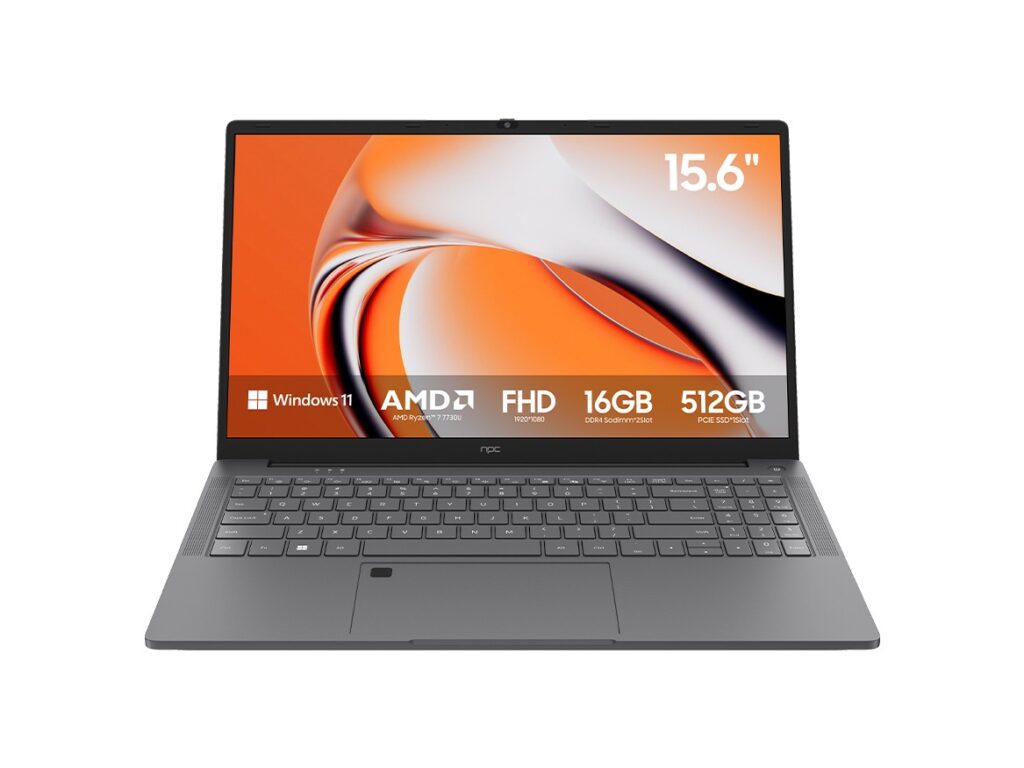
Quality and reliability come down to predictable maintenance, honest performance under typical use, and clear recovery paths. Use targeted comparisons rather than broad claims: match update policies to your expected lifespan, match app support to daily habits, and confirm responsiveness with real tasks. Practical testing and simple checklists reduce risk and reveal which platform fits your needs; for supply context and compatible hardware pairings I often cross-reference dealer inventories such as npc to see what configurations vendors are shipping today.