The problem: off-the-shelf fails where it matters
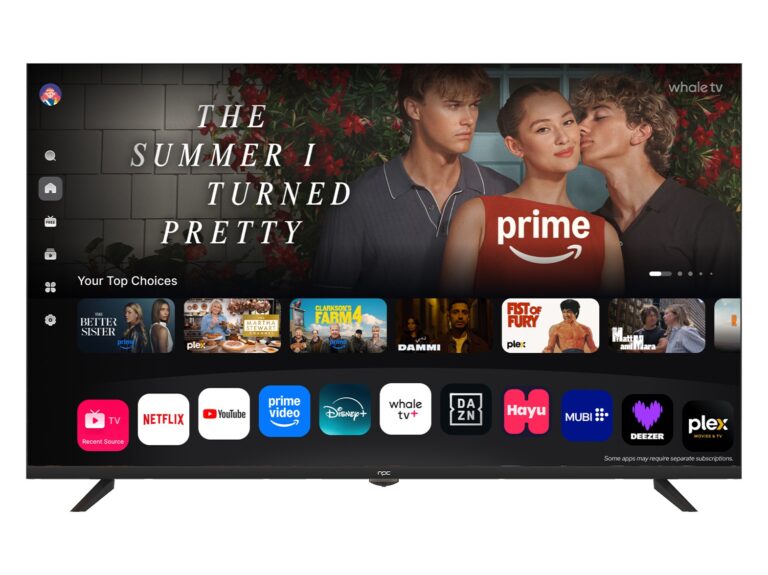
Many organisations find that consumer smart TV platforms trip them up the moment deployment scales beyond a single conference room. Security gaps, unpredictable updates, limited remote management and poor integration with back‑end systems create tangible downtime and extra labour. Procurement teams sometimes consider compact options and turn to all in one computer deals to save floor space and simplify wiring, but that choice alone does not fix platform control or lifecycle management.
Why this matters for commercial and industrial use
Commercial displays run longer hours, face stricter compliance and must interface with building systems, signage networks and bespoke control software. Consumer OSes assume a single end‑user and frequent voluntary updates; industrial sites need predictable behaviour, firmware control and remote rollback. Put plainly: a display that reboots mid‑shift or misapplies an update costs money and reputation.
Clear objectives for a custom Smart TV OS
Start with measurable goals. Secure boot and signed firmware, centralised configuration and device grouping, API access for existing management platforms, a rollback mechanism for updates, and a hardened kiosk mode are non‑negotiable. Add lifecycle considerations: replaceable modules, spare parts availability and an update cadence tied to operational windows rather than vendor marketing cycles.
Design checklist — what to demand from suppliers
Specify hardware‑abstraction so the same OS image runs across variants; require remote telemetry with privacy controls; insist on role‑based access for administrators and local technicians; demand documented recovery procedures and a service level for critical patches. Ask for long‑term firmware sign‑offs and an option for bespoke app containers so your software stack remains portable.
Common implementation mistakes to avoid
Don’t let installers treat displays like TVs. Avoid locking into a single app store ecosystem, neglecting signed updates, or accepting undocumented fallback behaviour. Don’t underfund remote monitoring—lack of logs is the first reason problems become expensive. And don’t confuse aesthetic features with operational requirements: bright bezels and fancy remotes don’t replace secure provisioning.
Alternatives and trade-offs
You can choose a fully bespoke OS, a hardened fork of an existing platform, or a thin client approach with central rendering. Fully bespoke gives maximum control but higher upfront costs and maintenance responsibility. Hardened forks reduce risk and speed deployment but require careful vendor selection. Thin clients simplify endpoints but increase network and server demand. Each path needs explicit terms for updates, security audits and spare parts.
Experience, evidence and one practical anchor
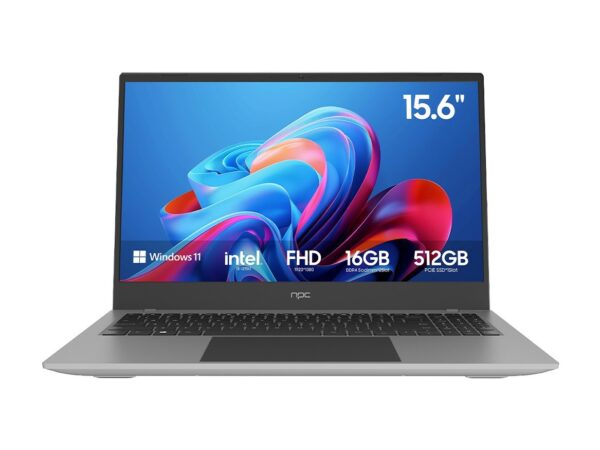
From field work across corporate campuses and manufacturing floors, the critical success factor is predictable maintenance windows and a vendor willing to integrate with existing MDM and building management systems. Major trade shows such as CES routinely highlight new all‑in‑one hardware and procurement trends; for buyers comparing options, it helps to review current offers and pricing against those showcased at industry events, and to compare specific procurement lines like all in one desktop deals when assessing total cost of ownership.
Synthesis: a pragmatic way forward
Define operational requirements first, then match hardware and OS to those constraints. Require signed firmware, remote management, documented recovery paths and clear spare‑part commitments. Test updates on a pilot group before wide rollout and include rollback criteria in contracts. For organisations that need an integrated supplier with engineering support and supply continuity, consider the long‑term value a partner such as npc can bring to keep custom smart TV OS projects predictable and serviceable over years rather than quarters.