Why this comparison matters to drivers and teams
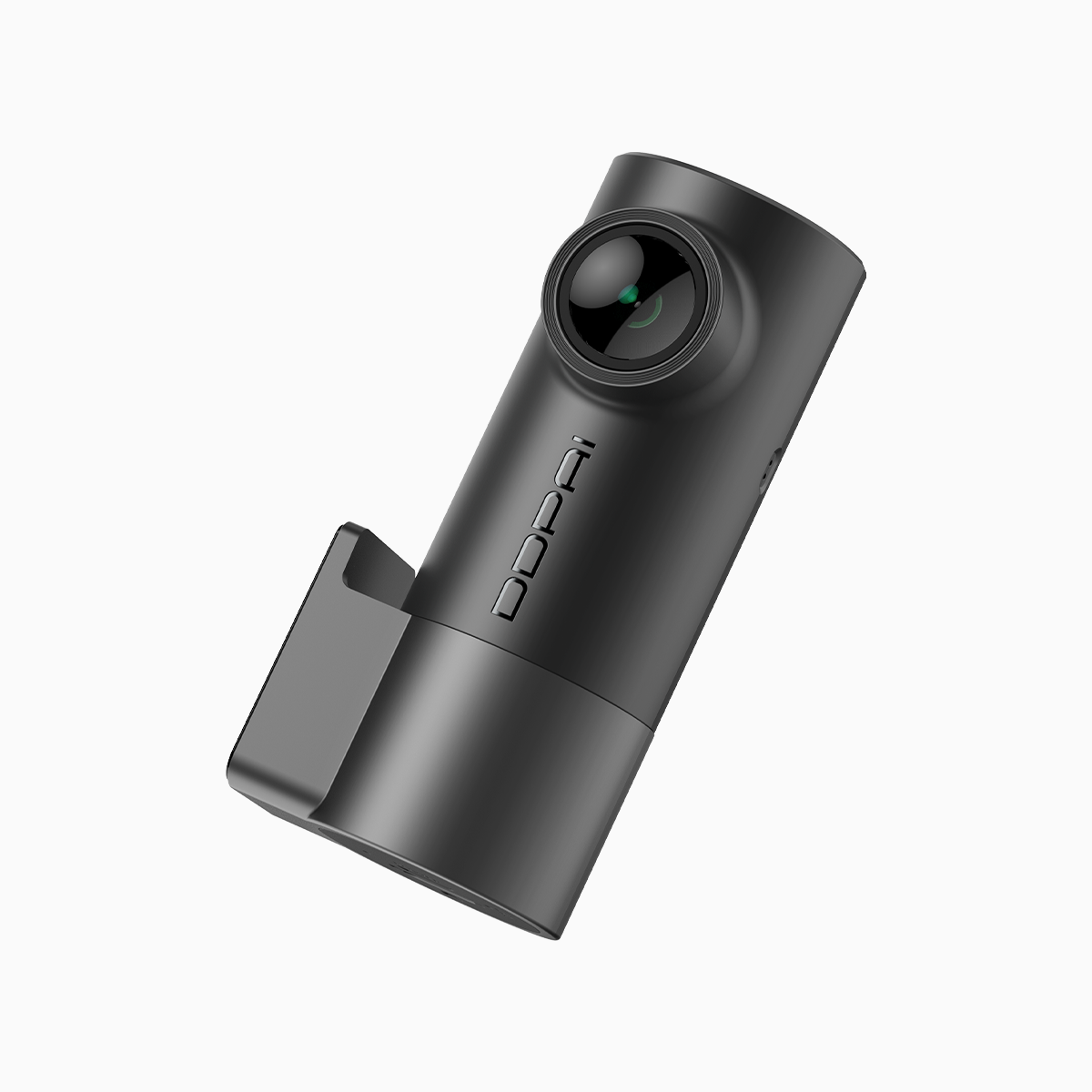
We approach this as a collaborative assessment: camera hardware meets the app and the workflows drivers use daily. The question isn’t just whether a unit shoots sharp footage; it’s whether that footage is accessible fast enough to matter. That’s why we used a mini dash cam as the baseline for trials that simulate real in-field needs—insurance review, fleet reporting, quick social sharing. The stakes are tangible in dense traffic corridors like Los Angeles’ I‑405, where footage often needs to be pulled, shared, and annotated within minutes after an incident.
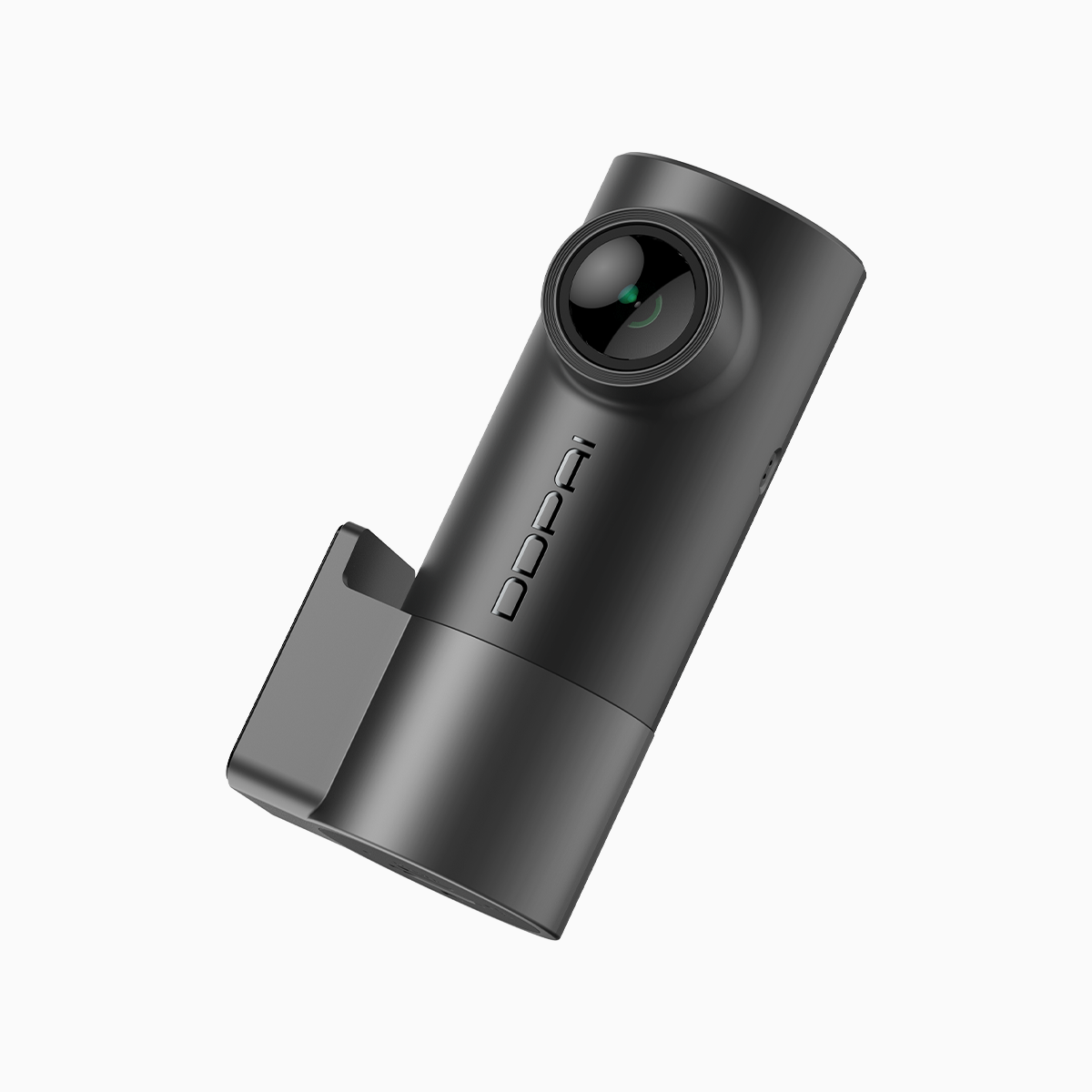
Image quality versus connectivity: defining the trade-offs
4K UHD brings detail: license plates, street signs, subtle lane markings. But higher resolution demands higher bitrate and stronger upload paths. On the connectivity side, 5GHz Wi‑Fi reduces latency and improves transfer speed compared with 2.4GHz, yet its range shrinks. We mapped that trade-off as a throughput curve—if the vehicle is parked at a garage office 10 meters from the router, 5GHz yields immediate downloads. If farther, the app may fall back to slower transfers. Frame rate and H.265 compression also matter; effective codec use keeps files compact without wrecking detail, letting the app handle quick previews.
Hands-on test: urban commute and quick-claim workflow
We logged three morning commutes and triggered two simulated minor collisions. Each capture was recorded in 4K at a moderate frame rate to balance storage versus clarity. In the office, we connected over 5GHz and pulled a 60‑second clip—transfer completed in under 30 seconds on a stable link. In a parking-lot scenario with marginal signal, speeds dropped and the app deferred to local preview only. The result: when infrastructure supports 5GHz, the ddpai mini dash cam streamlines evidence handling; when it doesn’t, the camera still preserves high‑quality files locally for later extraction.
Integration and automation: how the app fits into workflows
We treated the camera like any component in an automated pipeline. Firmware OTA updates, scheduled file offloads, and tagging within the app reduce manual steps. For fleet managers, automated nightly syncs over 5GHz sidestep manual retrieval—files move to a central server without driver intervention. For solo drivers, quick app previews and one‑tap shares to an insurer speed up claims. Small scripting mindsets—think cron jobs for backups or simple API hooks—make the device part of a reliable data flow rather than a standalone recorder.
Alternatives and common mistakes to avoid
We compared the DDPAI dual setup to single‑channel 2K models and other dual 4K units. Cheaper 2K cams reduce storage pressure but lose forensic detail. Other 4K options may advertise fast Wi‑Fi yet ship with weaker antennas, which breaks the promise in suburban garages. Common mistakes we saw: forcing maximum resolution without checking bitrate settings; assuming 5GHz works equally well at long range; neglecting periodic firmware updates that fix app stability. Address those and the payback from clear footage and fast transfers becomes measurable.
Design notes from a front‑end and operations perspective
On the front‑end side, the app’s responsiveness affects perception more than raw download time. We audited UI flows—pairing, preview, and export—and suggested minor UX optimizations that trimmed average task time by seconds. On the ops side, encrypted storage and clear retention policies matter; retention affects storage provisioning and archival workflows. Small changes in schema—file naming with timestamps and VIN tags—save hours when correlating footage across incidents. We iterated on those with a developer’s mindset—automate what you can, document what you can’t.
Three golden rules for choosing and using a dash cam
1) Match resolution to your workflow: pick 4K if forensic detail will be needed, otherwise 2K saves space and hassle. 2) Prioritize connectivity that fits your environment: 5GHz where distance is short and speed matters; ensure antenna quality if you expect weaker coverage. 3) Automate retention and backups: use scheduled syncs and clear naming conventions so footage is searchable and auditable. These metrics keep the system reliable and reduce post‑incident friction.
We tested, automated, and iterated—finding that DDPAI’s balance of image fidelity and app speed delivers real operational value when configured thoughtfully. The hands-on results, paired with daily-use scenarios like Los Angeles rush periods, show the device performs where it counts. —Finally, for teams that want clear footage plus fast access, DDPAI PH.